Python · tkinter
Calculator
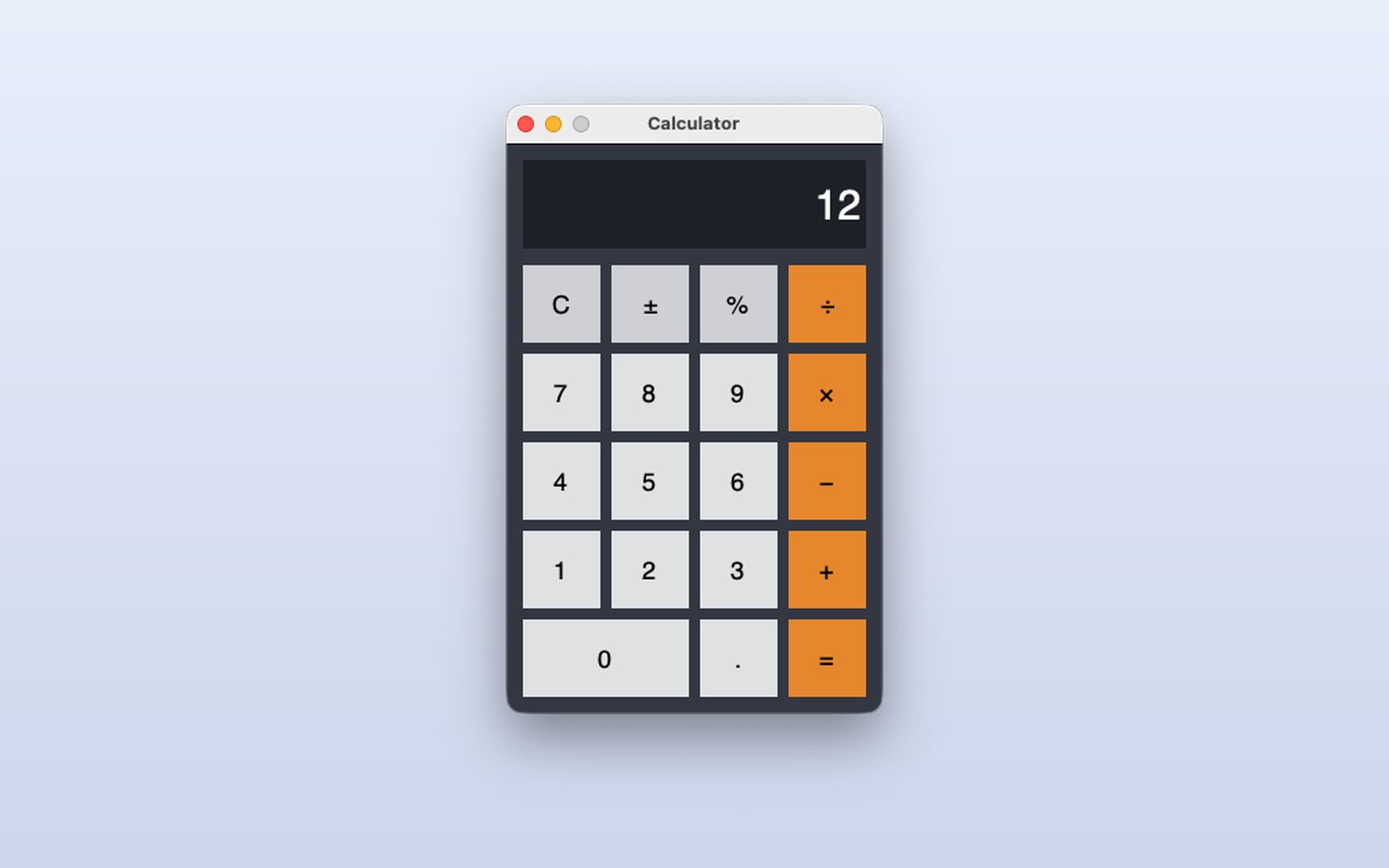
The first app you make with the studio: a window with buttons drawn in the Designer and a little Python. Each button has its event and the calculation state lives in the window's class.
What it shows
- A window designed by dragging buttons
- One event per button and the state in the class
- Keyboard shortcuts
How it works
- 1
Type the operation
Press the buttons or use the keyboard. Each button calls its event (Btn7_click, BtnMul_click…) and the display shows what you type.
 2
Get the result
The = button calculates with exact decimals (Python's Decimal), so 0.1 + 0.2 gives 0.3, not 0.30000000000000004.
 3
Errors close nothing
Dividing by zero shows “Error” on the display; the next key starts a new calculation. That is how a real app handles failures.
This demo comes as an example in DMarlon Studio: open it in the Designer to see its design and code, change it and press Run.