Dossier
Download the PDF dossierProduct dossier
Design windows by dragging. Program them in Python.
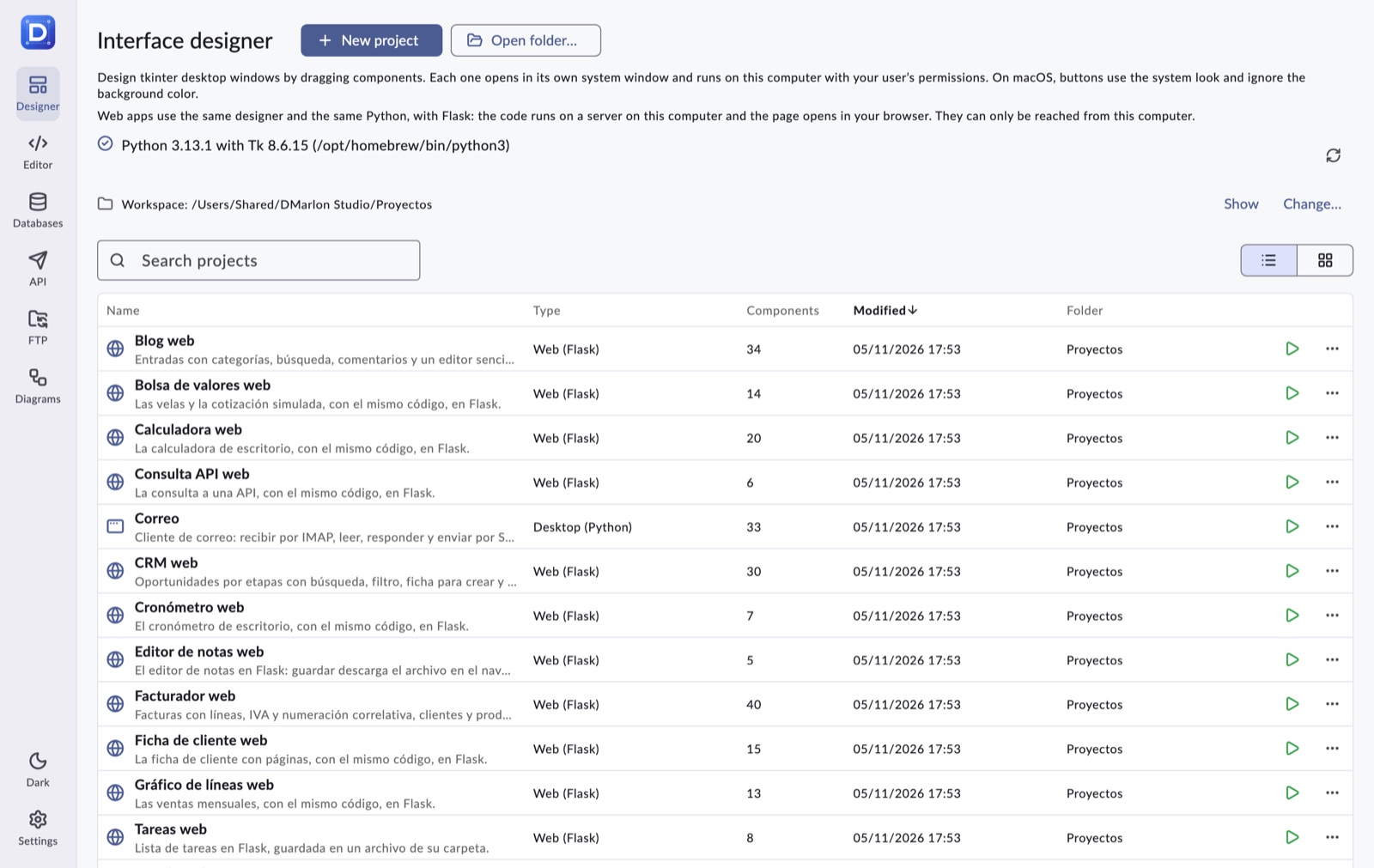
DMarlon Studio is a visual desktop IDE for building apps with a graphical interface: desktop with tkinter and web with Flask.
Version 1.0.18 · dmarlonstudio.com
What it is
A complete studio for apps with an interface
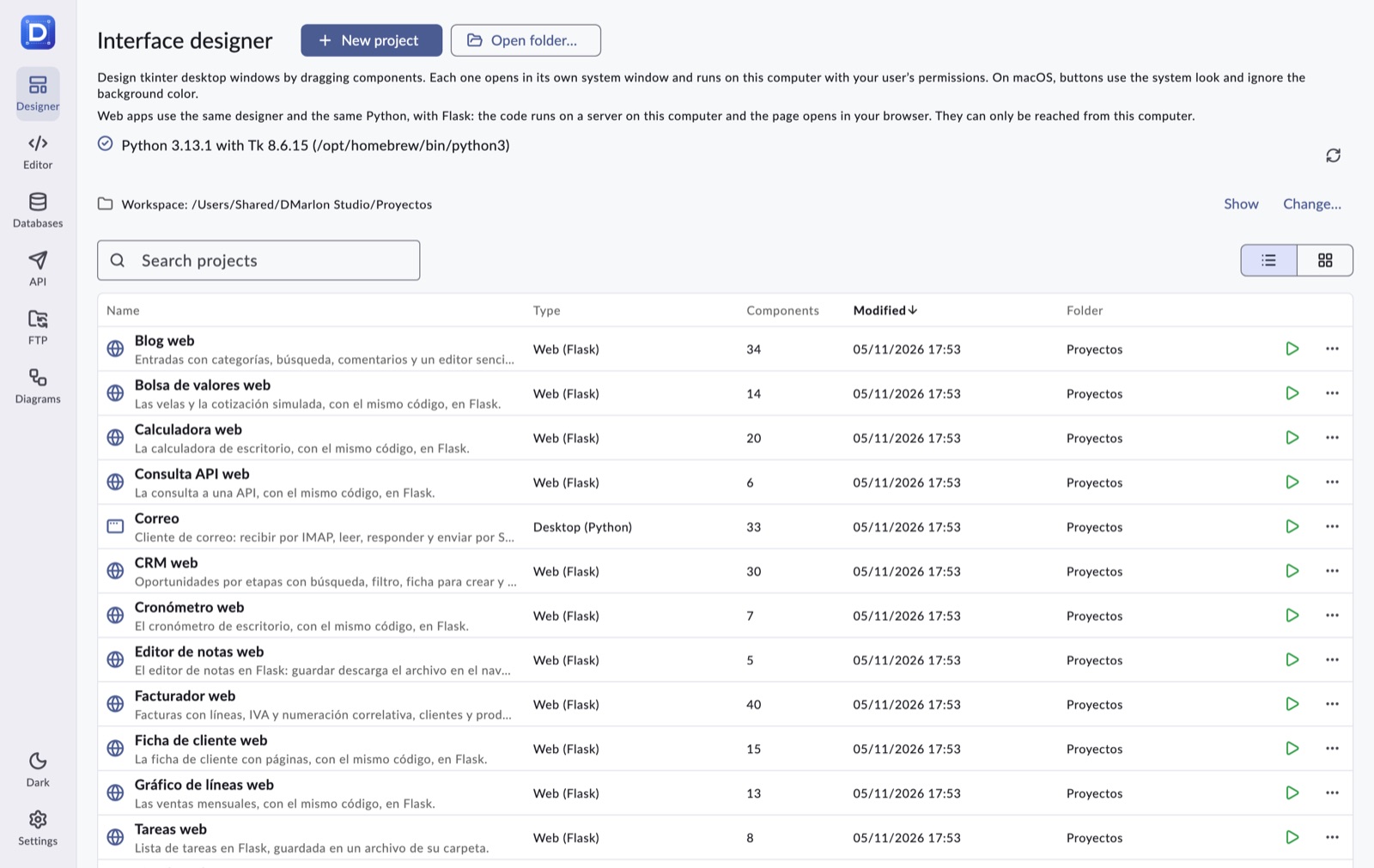
Windows are drawn with a component palette and an inspector for properties and events. Each event's code is written in Python and the studio generates a readable file that runs with F9 or can be exported.
Around the designer are the everyday tools: a code editor with git and a terminal, a database manager, an API client, FTP and diagrams. Artificial intelligence, with Claude by default, helps you design and code.
It runs on macOS and Windows, keeps projects as plain folders you can version with git, and needs no account or server.
Who it is for
Python developers
Who need an interface for a script or a tool without fighting widget layout.
Teams with internal tools
Forms and tables on top of their databases (SQLite, PostgreSQL, MySQL) in little time.
Teachers and students
Event-driven programming with a visible result from the first minute.
Prototypers
A desktop window or a web page with the same design and the same code.
Modules
Everything in one application
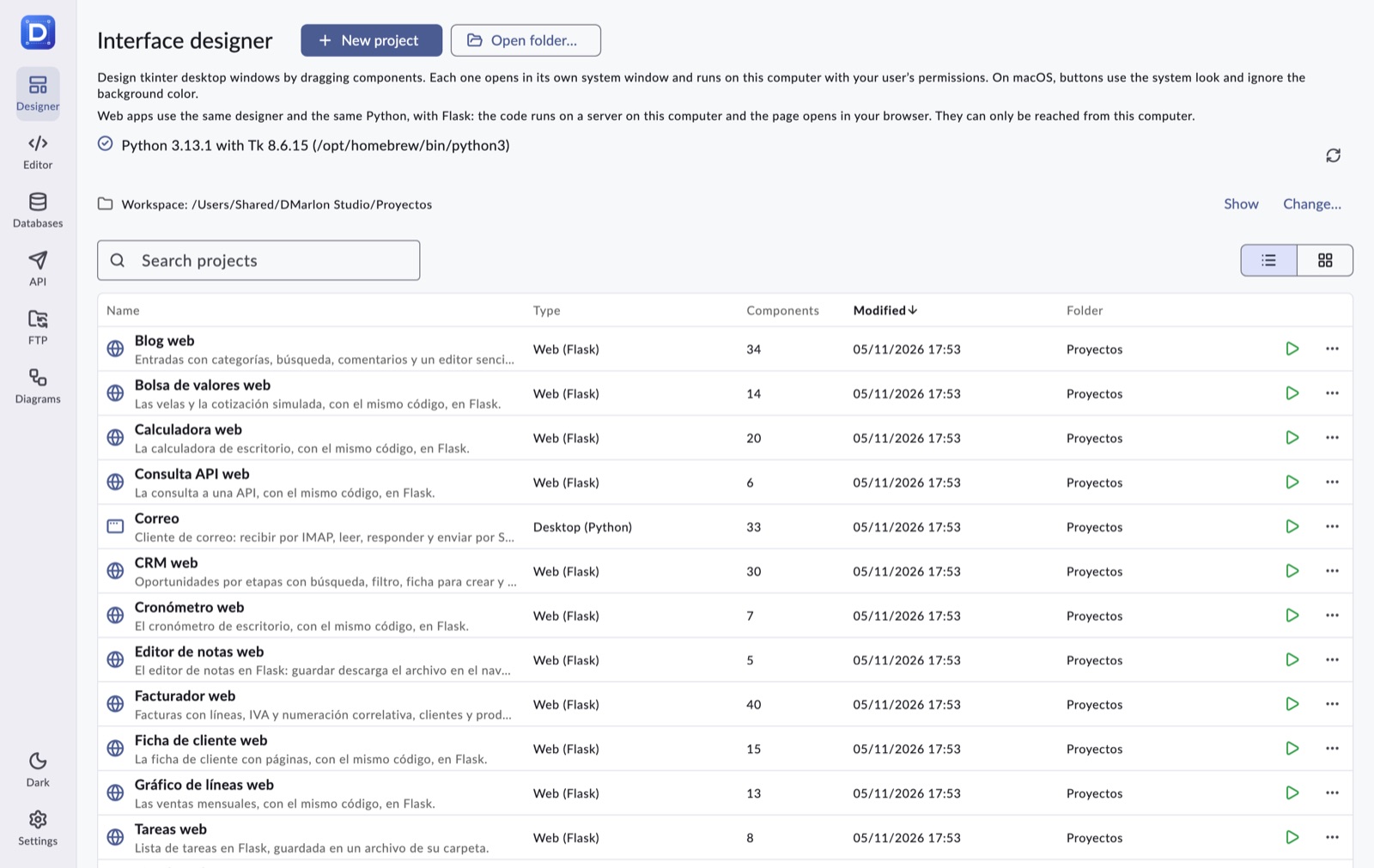
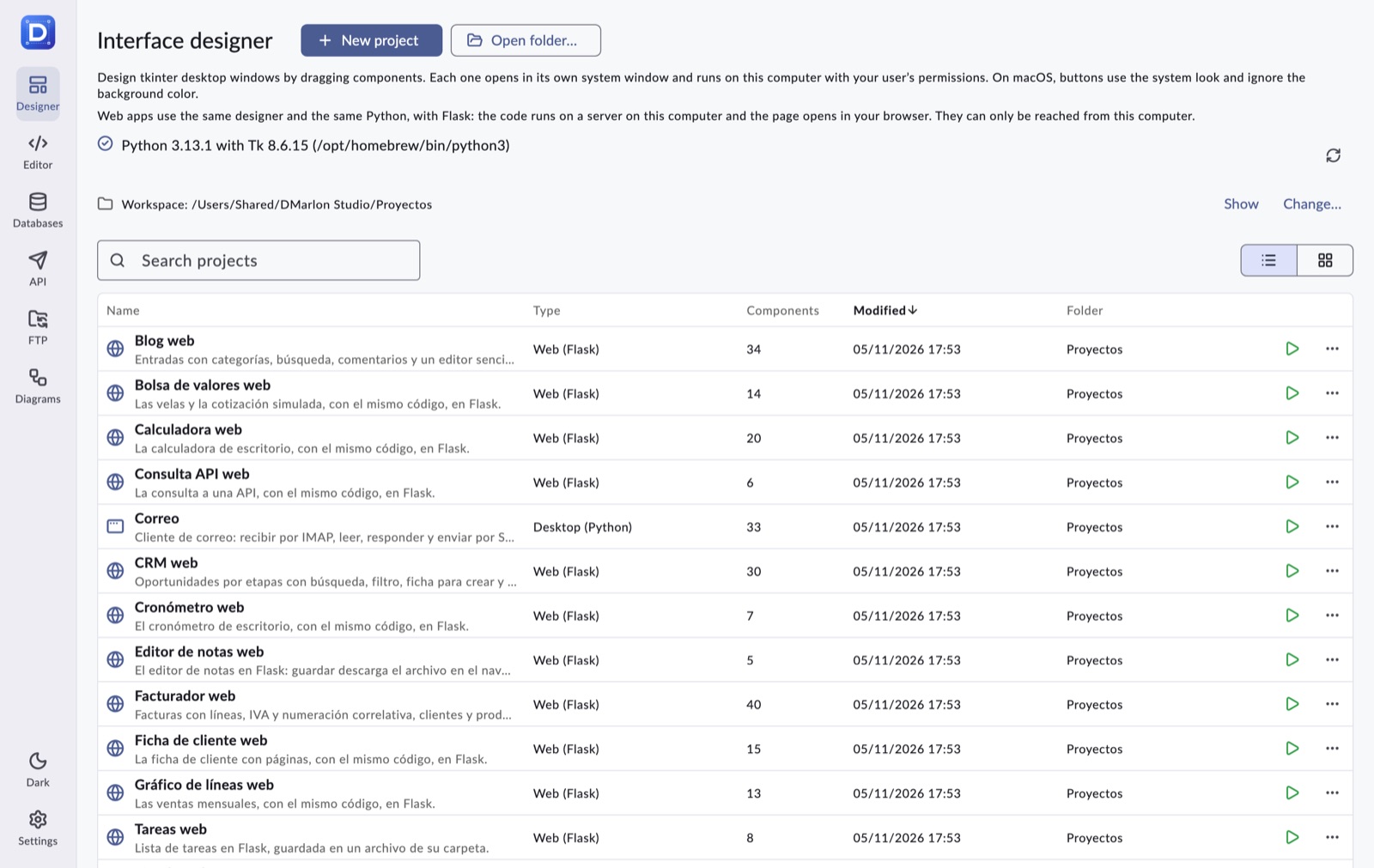
Seven modules in a side bar. Each one keeps anything unsaved when you move to another.
Designer
Component palette, inspector, events, grid, alignment, undo, generated Python and running with F9.
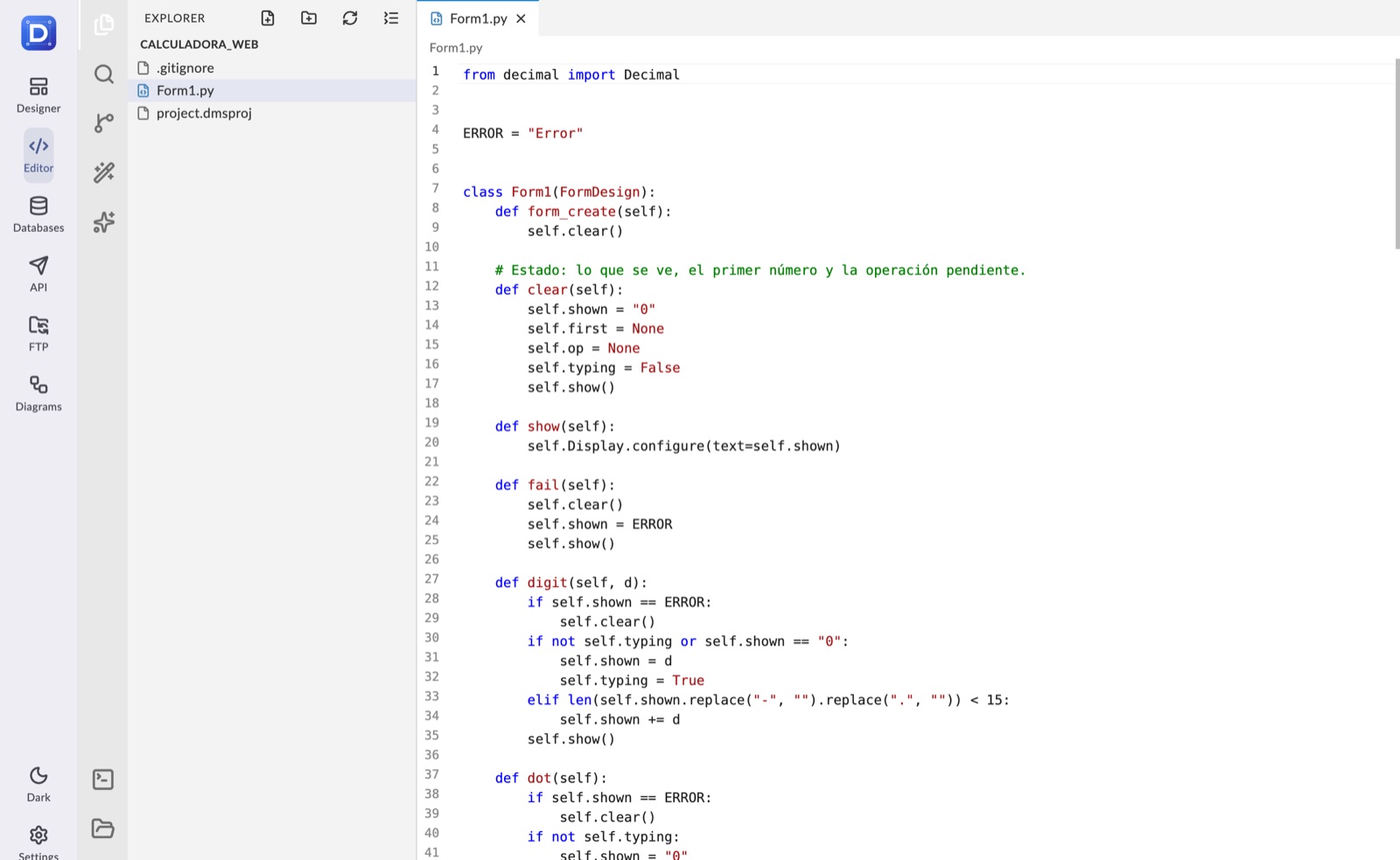
Editor
Explorer, tabs, find and replace, search in files, terminal and git with GitHub.
Databases
SQLite, PostgreSQL, MySQL/MariaDB and MongoDB: tables, queries and CSV export.
API
HTTP requests with collections, environment variables, history and copy as curl.
FTP
FTP, FTPES and FTPS servers: browse, upload, download and organize files.
Diagrams
Flowcharts and database diagrams, from a connection or with AI, exportable to PDF.
Targets
One design, several environments
The design is saved once and the studio generates the code for the environment chosen when the project is created.
| Target | Technology | Status |
|---|---|---|
| Desktop | Python + tkinter | Available |
| Web | Python + Flask | Available |
Today, the generated file runs without the studio on any Python 3 with tkinter, or with Flask for the web.
Artificial intelligence
Claude, inside the workflow
The AI proposes; you review and apply. Everything can be undone.
Chat with Claude Code
To the right of the Designer: Claude Code edits the project's design and code with the computer's session, no API key needed.
Claude: implement
In the Editor: Claude explores the folder and proposes changes to several files, with their diff, before writing anything.
Ask the AI
Designs a new window (also from a sketch), changes the current one or writes an event's code.
Your provider
Claude by default, and also OpenAI, Gemini, Mistral, Ollama and other compatible APIs.
How to start
From download to your first window
1. Download
The macOS or Windows zip from dmarlonstudio.com.
2. Get Python ready
Python 3 with tkinter; Flask for the web.
3. Open an example
Calculator, tasks, stopwatch, customer form… and press F9.
4. Build your own
New project, drag components and program the events.
Requirements
- macOS 10.15 or later, or 64-bit Windows 10/11.
- Python 3 with tkinter (python.org or Homebrew).
- Optional: git, Flask, Claude Code and an AI API key.
Contact
- Website
- dmarlonstudio.com
- Code and releases
- github.com/falconsoft3d/dmarlonstudio.com