Python · tkinter
Currency converter
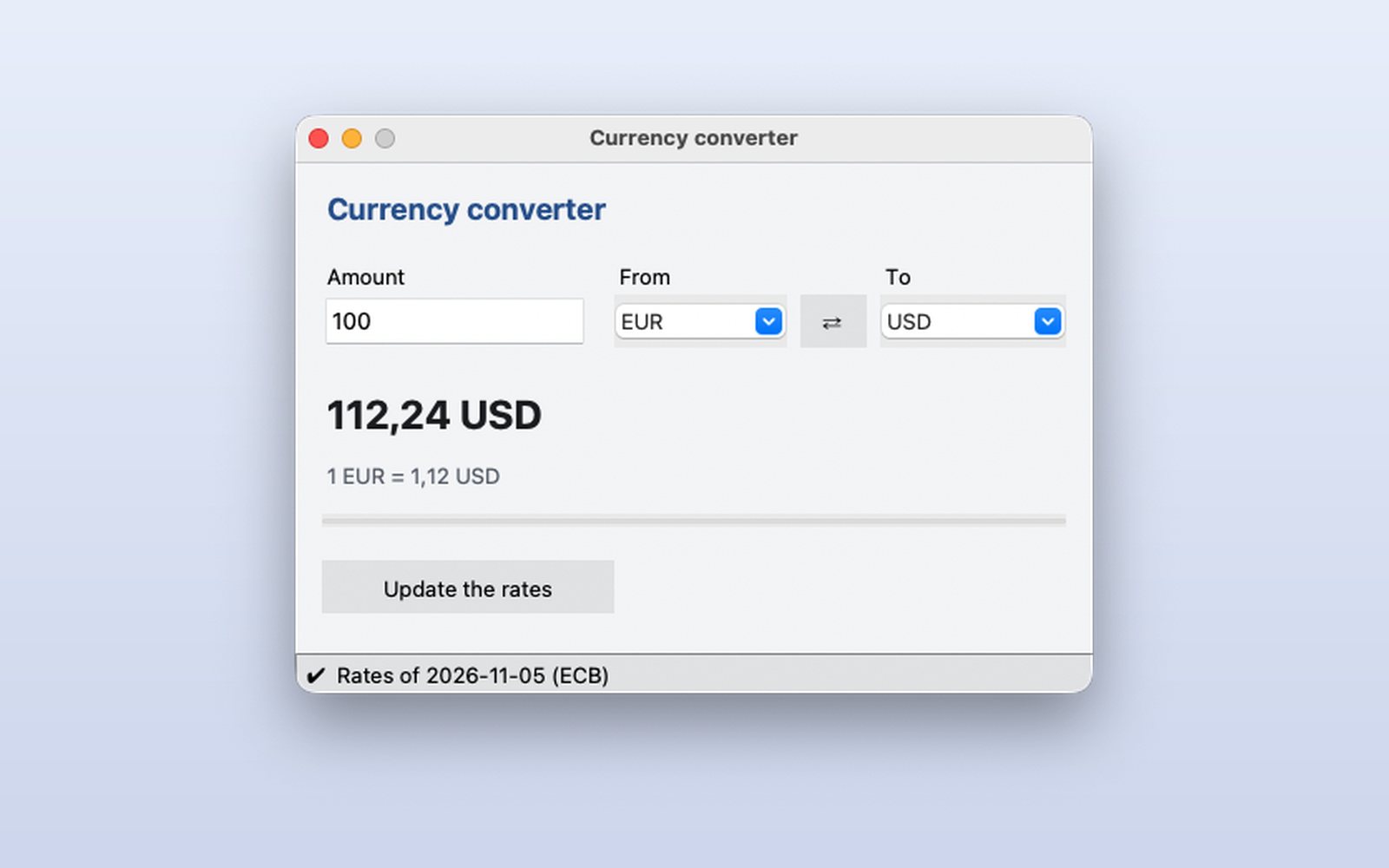
A currency converter with the European Central Bank's real exchange rates, downloaded without freezing the window and kept for when there is no connection.
What it shows
- Calling an Internet API
- Answers without freezing the window
- Works offline with the latest data
How it works
- 1
Convert as you type
Type the amount and the result appears at once, with the rate underneath.
 2
Change currencies
Pick any pair of ECB currencies or press ⇄ to swap them.
 3
Always know how recent
The status bar shows the date of the rates. Offline it uses the last ones downloaded and says so.
This demo comes as an example in DMarlon Studio: open it in the Designer to see its design and code, change it and press Run.