Flutter
Shipments
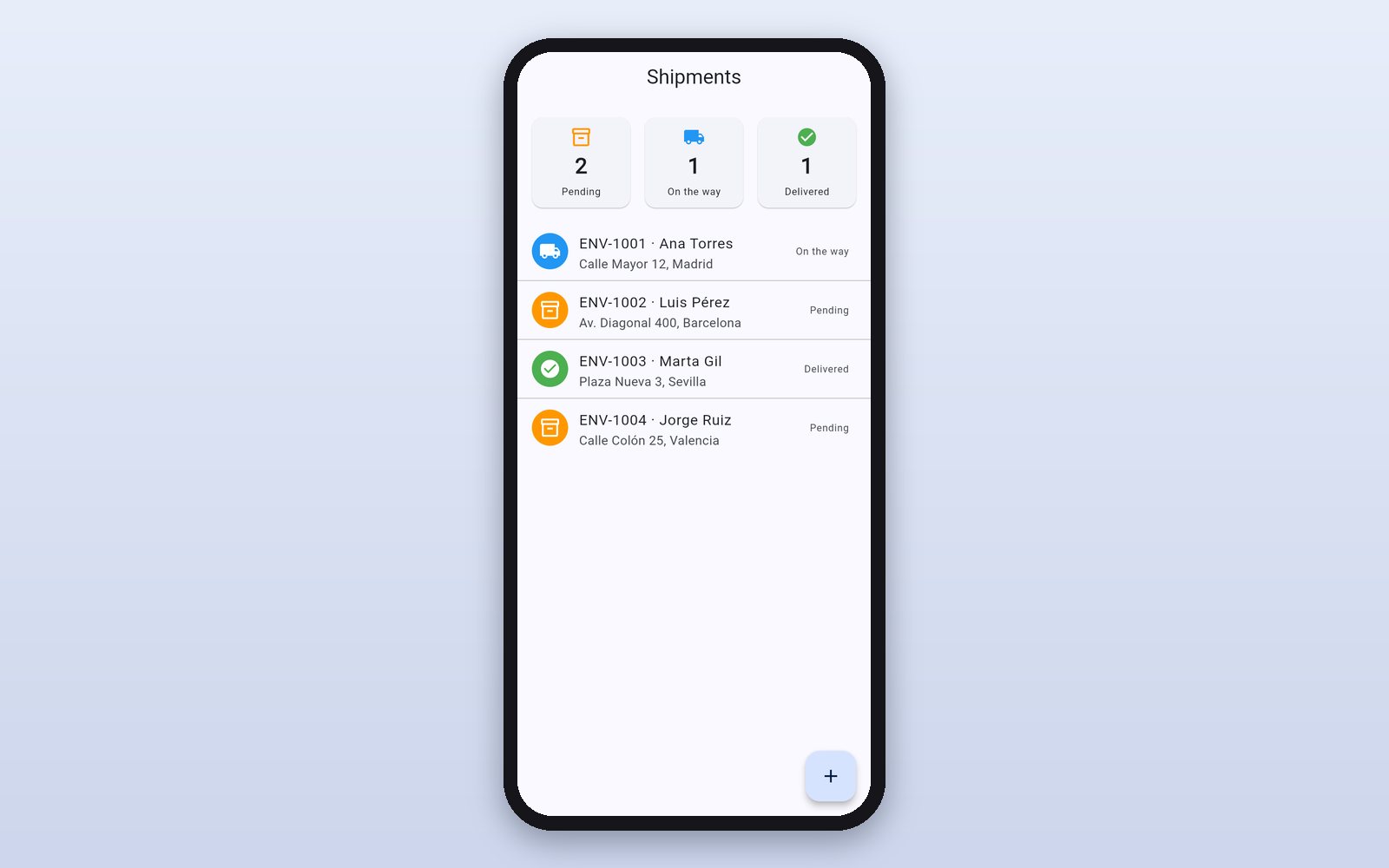
A shipments app: summary by status, list with badges, detail with tracking and adding new shipments. Made with Flutter screens.
What it shows
- Lists, cards and badges
- A detail screen that receives data
- Forms with validation
How it works
- 1
Shipments by status
At the top, how many are pending, on the way and delivered; below, the list with each shipment's customer, address and status.
 2
A shipment's detail
Tap a shipment to open its detail screen, which receives the data from the list, with its step-by-step tracking.
 3
A new shipment
The + button opens the form, which validates the fields before saving.
This demo comes as an example in DMarlon Studio: open it in the Designer to see its design and code, change it and press Run.