Lesson 18 · 18 of 20
Binary files: fwrite and fread · C
Save structs to a binary file with fwrite, read them with fread and jump to a record with fseek in C to change it without rewriting the file.
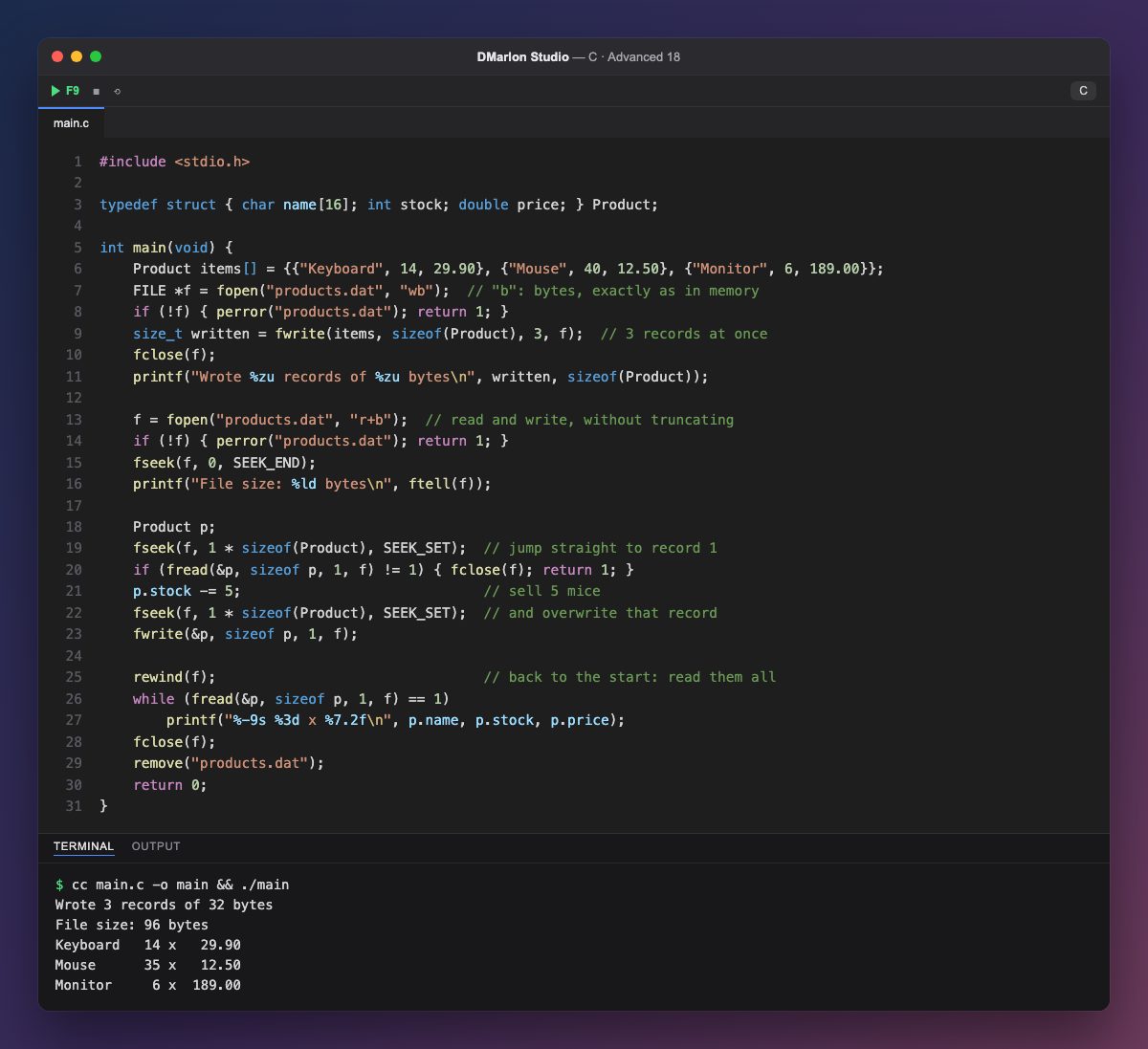
A binary file stores bytes exactly as they are in memory, without turning them into text. You open it with a b in the mode ("wb", "rb", "r+b") and, in exchange for not being readable in an editor, it is more compact and faster, and every record has the same size.
`fwrite(items, sizeof(Product), 3, f)` writes three structs in one go and returns how many it wrote. Each Product takes 32 bytes (16 for the name, 4 for the integer, 4 of padding to align the double and 8 for the double), so the file is 96 bytes long, as ftell confirms after fseek(f, 0, SEEK_END).
Since every record is the same size, record i starts at byte i * sizeof(Product). Mode `"r+b"` allows reading and writing without emptying the file: fseek jumps to record 1, `fread` loads it into p, 5 mice are taken off and, after going back to the same position, fwrite overwrites it. That is random access: the other records are never read or rewritten.
rewind goes back to the start and the loop while (fread(&p, sizeof p, 1, f) == 1) reads one record at a time until the end. Finally, remove deletes the test file.
The bytes depend on the machine: the size of the types, the padding and the byte order (endianness) can differ between systems. To exchange data between different programs, prefer text or a format where every field is defined.
Code · main.c
#include <stdio.h>typedef struct { char name[16]; int stock; double price; } Product;int main(void) { Product items[] = {{"Keyboard", 14, 29.90}, {"Mouse", 40, 12.50}, {"Monitor", 6, 189.00}}; FILE *f = fopen("products.dat", "wb"); // "b": bytes, exactly as in memory if (!f) { perror("products.dat"); return 1; } size_t written = fwrite(items, sizeof(Product), 3, f); // 3 records at once fclose(f); printf("Wrote %zu records of %zu bytes\n", written, sizeof(Product)); f = fopen("products.dat", "r+b"); // read and write, without truncating if (!f) { perror("products.dat"); return 1; } fseek(f, 0, SEEK_END); printf("File size: %ld bytes\n", ftell(f)); Product p; fseek(f, 1 * sizeof(Product), SEEK_SET); // jump straight to record 1 if (fread(&p, sizeof p, 1, f) != 1) { fclose(f); return 1; } p.stock -= 5; // sell 5 mice fseek(f, 1 * sizeof(Product), SEEK_SET); // and overwrite that record fwrite(&p, sizeof p, 1, f); rewind(f); // back to the start: read them all while (fread(&p, sizeof p, 1, f) == 1) printf("%-9s %3d x %7.2f\n", p.name, p.stock, p.price); fclose(f); remove("products.dat"); return 0;}Output · cc main.c -o main && ./main
Wrote 3 records of 32 bytes
File size: 96 bytes
Keyboard   14 x   29.90
Mouse      35 x   12.50
Monitor     6 x  189.00
Key points
- Modes with
b:"wb","rb","r+b". fwriteandfreadreturn how many items they handled.fseek(f, i * sizeof(T), SEEK_SET)jumps to recordi.- A binary layout depends on the compiler and the system.
Exercise
Append a fourth product by opening the file in "ab" mode, then print how many records it holds by dividing the file size by sizeof(Product).