Lesson 8 · 8 of 20
Map, Set and WeakMap · JavaScript
Group and count data in JavaScript with Map and Set, and attach information to objects without touching them using WeakMap.
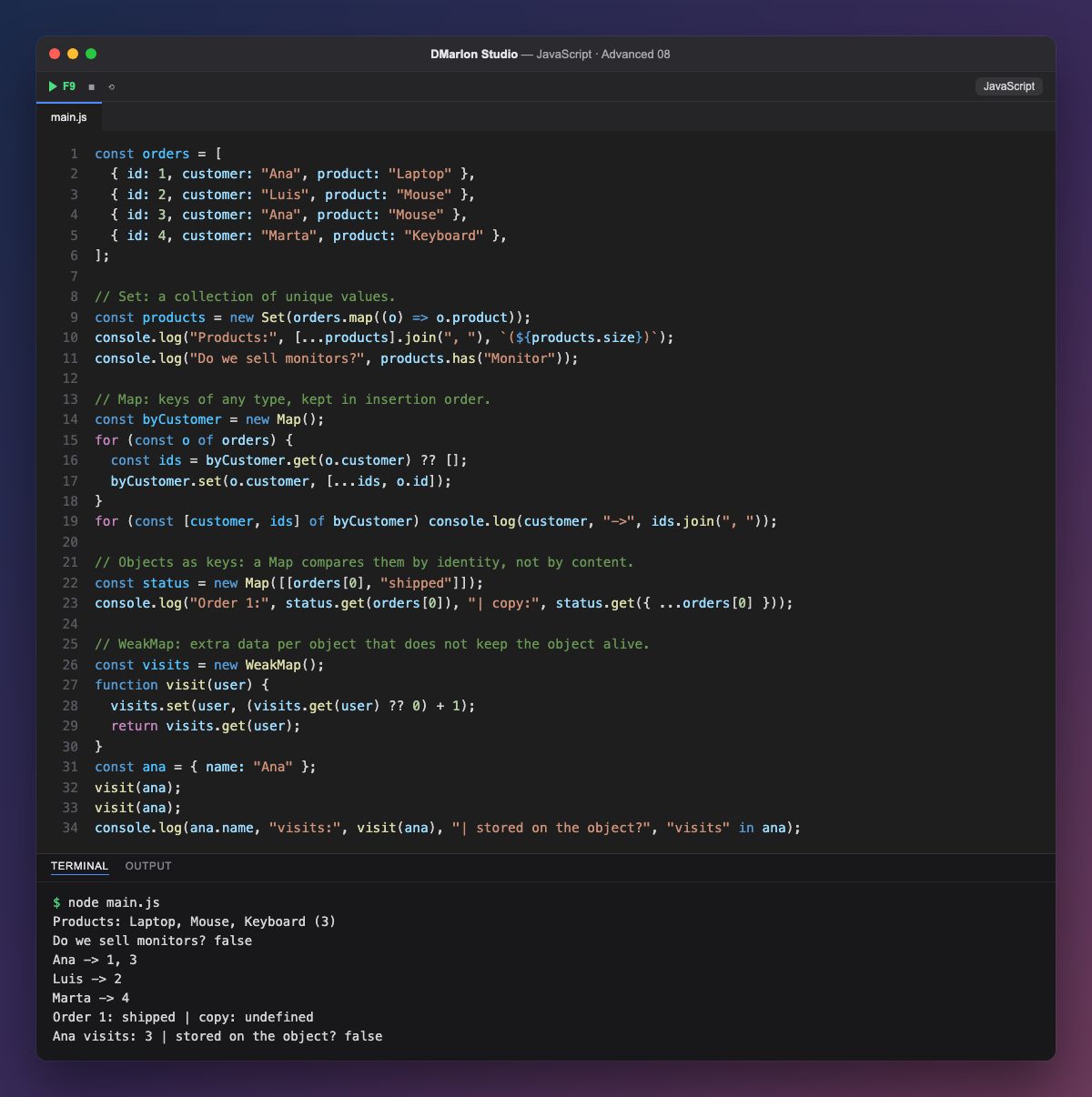
A `Set` stores values without duplicates. Built from the order products, it holds Mouse only once even though it sold twice. size tells you how many there are and has() checks whether one exists, much faster than searching an array. [...products] turns it back into an array.
A `Map` is a key-value dictionary with advantages over a plain object: keys can be of any type, insertion order is preserved, and you can loop over it directly with for...of, which yields [key, value] pairs. The example groups orders by customer with get() and set(); ?? [] provides an empty list the first time a customer appears.
With objects as keys, a Map compares by identity, not by content: orders[0] finds its status, but a copy with the same data ({ ...orders[0] }) is a different object and returns undefined.
A `WeakMap` only accepts objects as keys and does not stop the garbage collector from removing them once nothing else uses them. It is ideal for attaching data to an object without touching it: visits counts ana's visits, yet ana gets no new property ("visits" in ana is false). The trade-off is that a WeakMap cannot be iterated and has no size.
Code · main.js
const orders = [ { id: 1, customer: "Ana", product: "Laptop" }, { id: 2, customer: "Luis", product: "Mouse" }, { id: 3, customer: "Ana", product: "Mouse" }, { id: 4, customer: "Marta", product: "Keyboard" },];// Set: a collection of unique values.const products = new Set(orders.map((o) => o.product));console.log("Products:", [...products].join(", "), `(${products.size})`);console.log("Do we sell monitors?", products.has("Monitor"));// Map: keys of any type, kept in insertion order.const byCustomer = new Map();for (const o of orders) { const ids = byCustomer.get(o.customer) ?? []; byCustomer.set(o.customer, [...ids, o.id]);}for (const [customer, ids] of byCustomer) console.log(customer, "->", ids.join(", "));// Objects as keys: a Map compares them by identity, not by content.const status = new Map([[orders[0], "shipped"]]);console.log("Order 1:", status.get(orders[0]), "| copy:", status.get({ ...orders[0] }));// WeakMap: extra data per object that does not keep the object alive.const visits = new WeakMap();function visit(user) { visits.set(user, (visits.get(user) ?? 0) + 1); return visits.get(user);}const ana = { name: "Ana" };visit(ana);visit(ana);console.log(ana.name, "visits:", visit(ana), "| stored on the object?", "visits" in ana);Output · node main.js
Products: Laptop, Mouse, Keyboard (3)
Do we sell monitors? false
Ana -> 1, 3
Luis -> 2
Marta -> 4
Order 1: shipped | copy: undefined
Ana visits: 3 | stored on the object? false
Key points
Setstores unique values and answershas()quickly.Mapaccepts keys of any type and keeps insertion order.- Object keys are compared by identity.
WeakMapattaches data to objects without keeping them alive.
Exercise
Build a Map that counts how many orders each product has (Mouse -> 2) and print it sorted from most to fewest with [...map].sort(...).