Lesson 14 · 14 of 20
Default arguments and overloading · C++
Give C++ parameters default values and write several functions with the same name (overloading) that the compiler picks by their arguments.
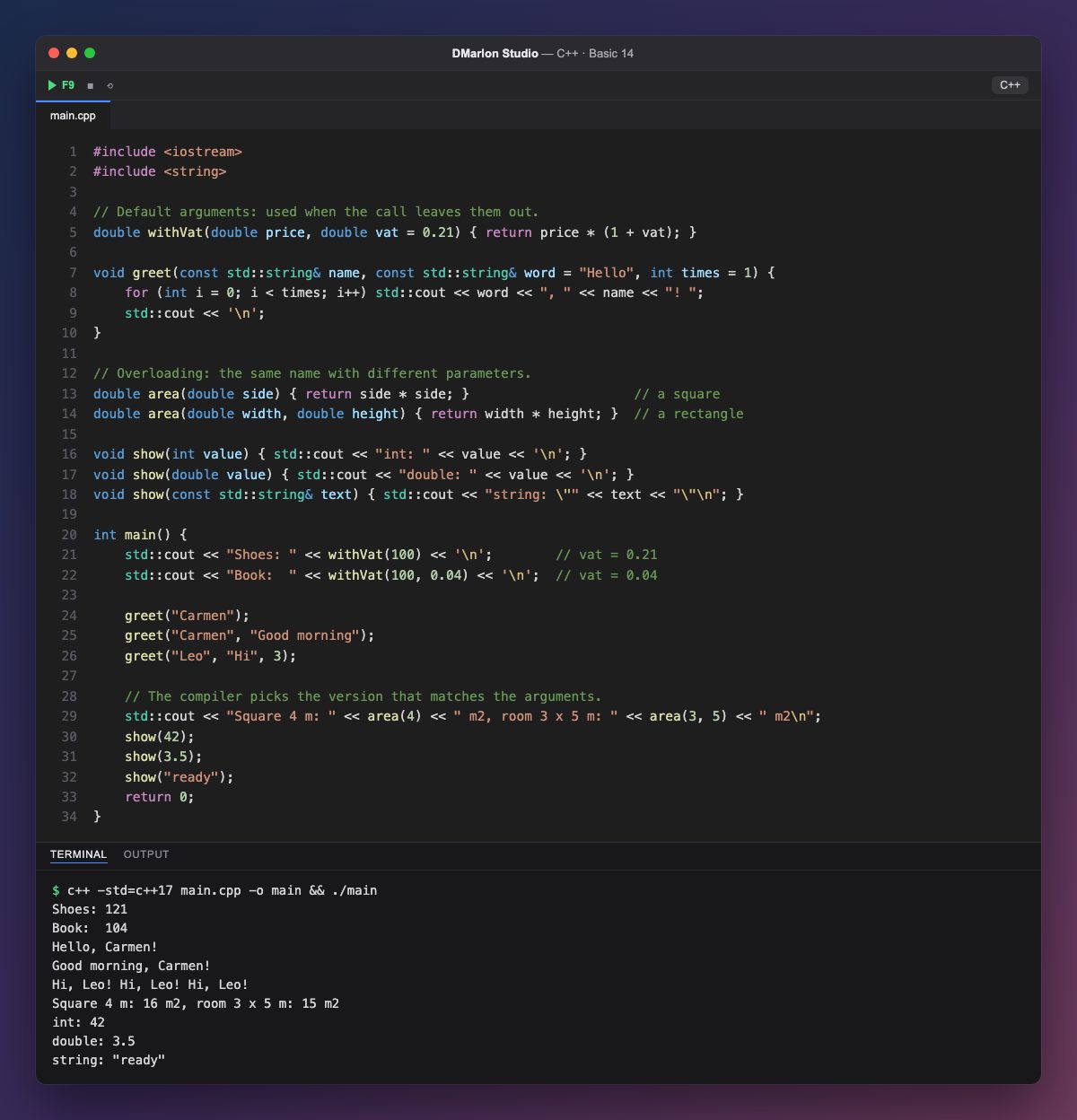
A parameter can have a default value: double vat = 0.21. If the call leaves it out, that value is used (withVat(100) gives 121); if the call gives one, the call wins: withVat(100, 0.04), with the VAT rate for books, gives 104.
Parameters with defaults go at the end. greet has two, so it can be called with one, two or three arguments, but always in order: to pass times you must also pass word.
Overloading lets several functions share a name as long as their parameters differ. area(4) calls the square version, which has one parameter, and area(3, 5) the rectangle version, which has two.
The compiler also chooses by type: show(42) uses the int version, show(3.5) the double one and show("ready") the std::string one. The choice is made at compile time, not while the program runs.
greet and show take their text as const std::string&, as in the previous lesson: no copy and no changes.
Code · main.cpp
#include <iostream>#include <string>// Default arguments: used when the call leaves them out.double withVat(double price, double vat = 0.21) { return price * (1 + vat); }void greet(const std::string& name, const std::string& word = "Hello", int times = 1) { for (int i = 0; i < times; i++) std::cout << word << ", " << name << "! "; std::cout << '\n';}// Overloading: the same name with different parameters.double area(double side) { return side * side; } // a squaredouble area(double width, double height) { return width * height; } // a rectanglevoid show(int value) { std::cout << "int: " << value << '\n'; }void show(double value) { std::cout << "double: " << value << '\n'; }void show(const std::string& text) { std::cout << "string: \"" << text << "\"\n"; }int main() { std::cout << "Shoes: " << withVat(100) << '\n'; // vat = 0.21 std::cout << "Book: " << withVat(100, 0.04) << '\n'; // vat = 0.04 greet("Carmen"); greet("Carmen", "Good morning"); greet("Leo", "Hi", 3); // The compiler picks the version that matches the arguments. std::cout << "Square 4 m: " << area(4) << " m2, room 3 x 5 m: " << area(3, 5) << " m2\n"; show(42); show(3.5); show("ready"); return 0;}Output · c++ -std=c++17 main.cpp -o main && ./main
Shoes: 121
Book:  104
Hello, Carmen!
Good morning, Carmen!
Hi, Leo! Hi, Leo! Hi, Leo!
Square 4 m: 16 m2, room 3 x 5 m: 15 m2
int: 42
double: 3.5
string: "ready"
Key points
type p = valuegives a parameter a default value.- Parameters with defaults go at the end.
- Overloading: the same name with different parameters.
- The compiler picks the version by the number and types of the arguments.
Exercise
Add an overload void show(char letter) and call it with show('A'). Then give withVat a third parameter int units = 1 and work out the price of three pairs of shoes.