Lesson 16 · 16 of 20
StreamController and events · Dart
Emit your own events in Dart with a StreamController and listen to them with listen, onError and onDone, using a shopping cart as the example.
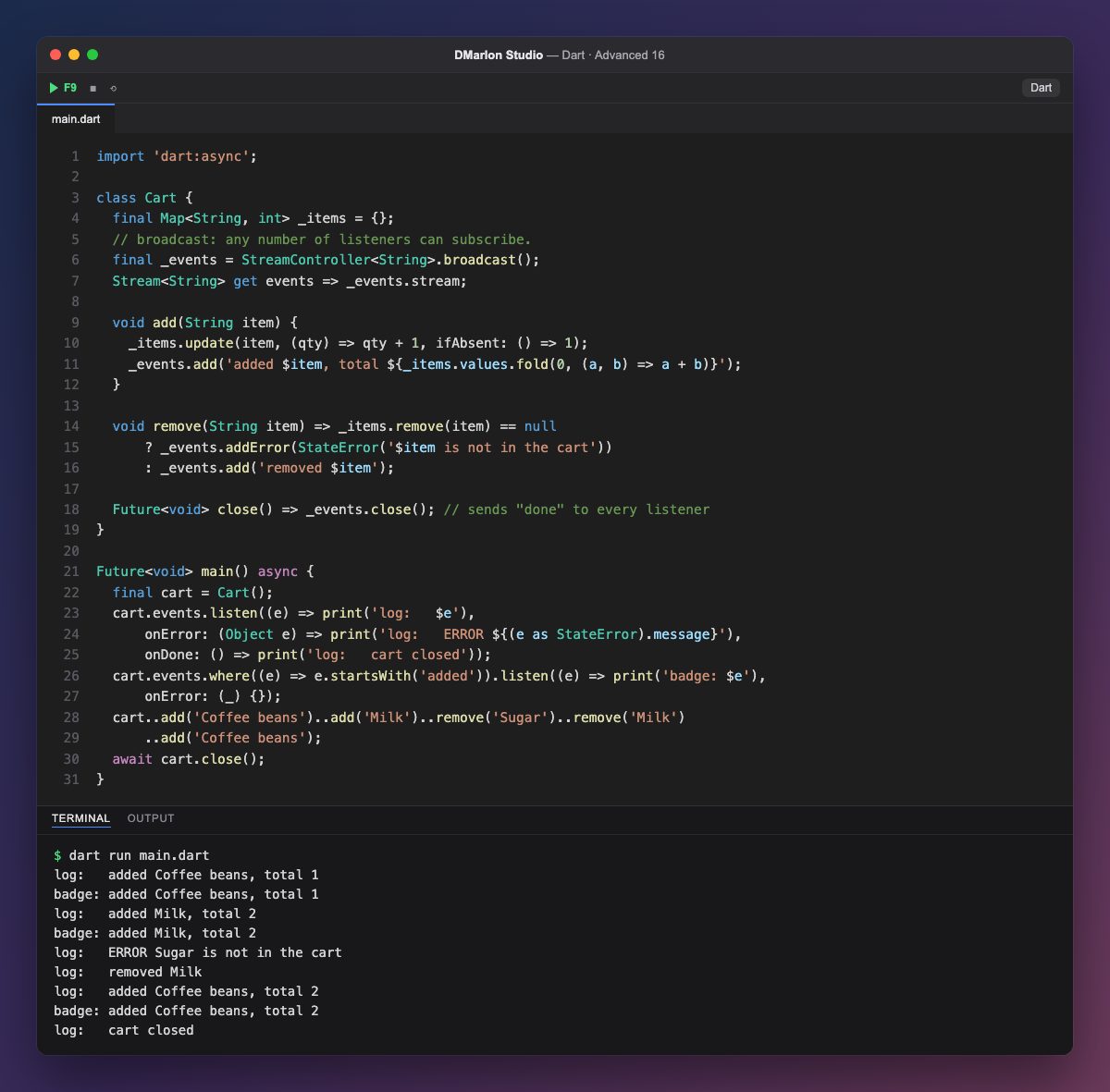
When events do not come from a loop but from one-off actions (a button tap, an incoming message), you use a `StreamController`. It has two sides: one to put events in (add, addError, close) and another, stream, to listen to them. Cart keeps the controller in a private field and only exposes events, so outside code can listen but not emit.
add updates the quantities and emits a message with the total number of items; remove emits a normal event if the item was there and, if not, an error through addError. A regular controller allows a single listener; created with `.broadcast()`, it allows any number, as here.
`listen` subscribes a function that receives each event and accepts two more: onError for errors and onDone for when the stream closes. The second listener, the cart badge, filters with where and only cares about additions. It still has an onError, even an empty one: on a broadcast stream, an error reaching a listener without onError counts as uncaught and stops the program.
Events are delivered asynchronously, but in the order they were emitted and to listeners in the order they subscribed, so the output is the same on every run. close() sends the done signal to everyone and returns a Future that main awaits, which is why cart closed comes last. This pattern, a class exposing a stream of changes, is the basis of architectures such as BLoC, widely used in Flutter.
Code · main.dart
import 'dart:async';class Cart { final Map<String, int> _items = {}; // broadcast: any number of listeners can subscribe. final _events = StreamController<String>.broadcast(); Stream<String> get events => _events.stream; void add(String item) { _items.update(item, (qty) => qty + 1, ifAbsent: () => 1); _events.add('added $item, total ${_items.values.fold(0, (a, b) => a + b)}'); } void remove(String item) => _items.remove(item) == null ? _events.addError(StateError('$item is not in the cart')) : _events.add('removed $item'); Future<void> close() => _events.close(); // sends "done" to every listener}Future<void> main() async { final cart = Cart(); cart.events.listen((e) => print('log: $e'), onError: (Object e) => print('log: ERROR ${(e as StateError).message}'), onDone: () => print('log: cart closed')); cart.events.where((e) => e.startsWith('added')).listen((e) => print('badge: $e'), onError: (_) {}); cart..add('Coffee beans')..add('Milk')..remove('Sugar')..remove('Milk') ..add('Coffee beans'); await cart.close();}Output · dart run main.dart
log:   added Coffee beans, total 1
badge: added Coffee beans, total 1
log:   added Milk, total 2
badge: added Milk, total 2
log:   ERROR Sugar is not in the cart
log:   removed Milk
log:   added Coffee beans, total 2
badge: added Coffee beans, total 2
log:   cart closed
Key points
- A
StreamControllerlets you emit events whenever you like. addemits a value,addErroran error andclosecloses the stream..broadcast()allows several listeners at once.listentakes each event, plusonErrorandonDone.- Expose only the
streamand keep the controller private.
Exercise
Add a clear() method that empties the cart and emits cleared, plus a third listener that counts the events it receives and prints the count in onDone.