Lesson 2 · 2 of 20
Variables and types · Python
Store data in Python variables and find out their types (str, float, int and bool) with type(), using a small shop as the example.
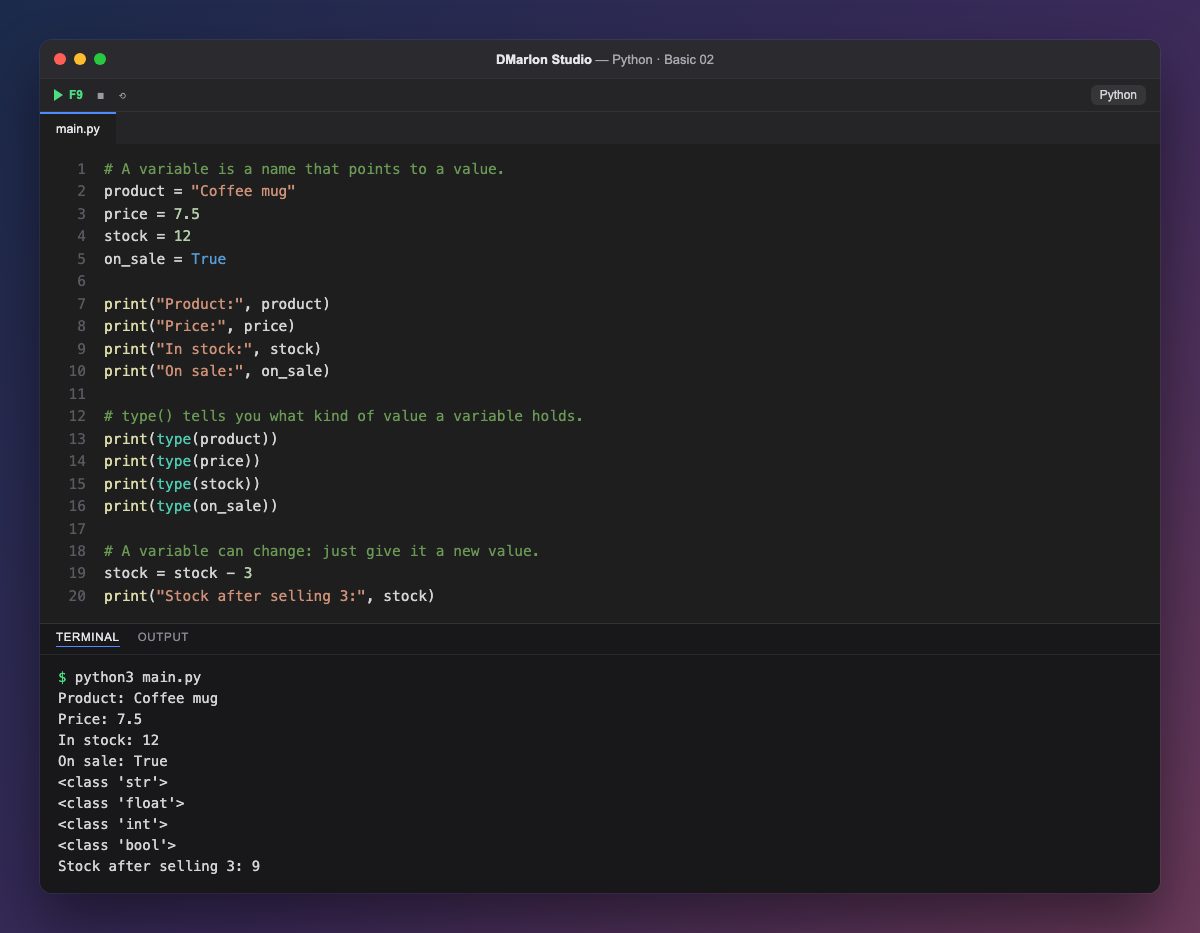
A variable is a name that points to a value. You create it by giving it a value with =: product = "Coffee mug" stores some text under the name product. From then on, writing the name is enough to use the value, as print("Product:", product) does.
Every value has a type. Text between quotes is a str (string); 12 is an int (whole number); 7.5 is a float (number with decimals); and True or False are bool (yes or no). Python works out the type by itself: you never declare it.
The type() function tells you what type a value is. That is why the output shows <class 'str'>, <class 'float'>, <class 'int'> and <class 'bool'>, one for each variable of the shop.
A variable can change. stock = stock - 3 first works out the right-hand side with the current value (12 − 3) and stores the result back in stock, which is now 9.
Code · main.py
# A variable is a name that points to a value.product = "Coffee mug"price = 7.5stock = 12on_sale = Trueprint("Product:", product)print("Price:", price)print("In stock:", stock)print("On sale:", on_sale)# type() tells you what kind of value a variable holds.print(type(product))print(type(price))print(type(stock))print(type(on_sale))# A variable can change: just give it a new value.stock = stock - 3print("Stock after selling 3:", stock)Output · python3 main.py
Product: Coffee mug
Price: 7.5
In stock: 12
On sale: True
<class 'str'>
<class 'float'>
<class 'int'>
<class 'bool'>
Stock after selling 3: 9
Key points
=stores a value in a variable (it does not mean «equals»).- The basic types are
str,int,floatandbool. type()tells you the type of a value.- Names are lower case with underscores:
on_sale.
Exercise
Add a rating variable with the product's score (say 4.6), print it with its type, and raise price by 2 euros.