Chapter 9
Diagrams
Flowcharts and database diagrams, with AI and PDF.
Flowcharts and database diagrams
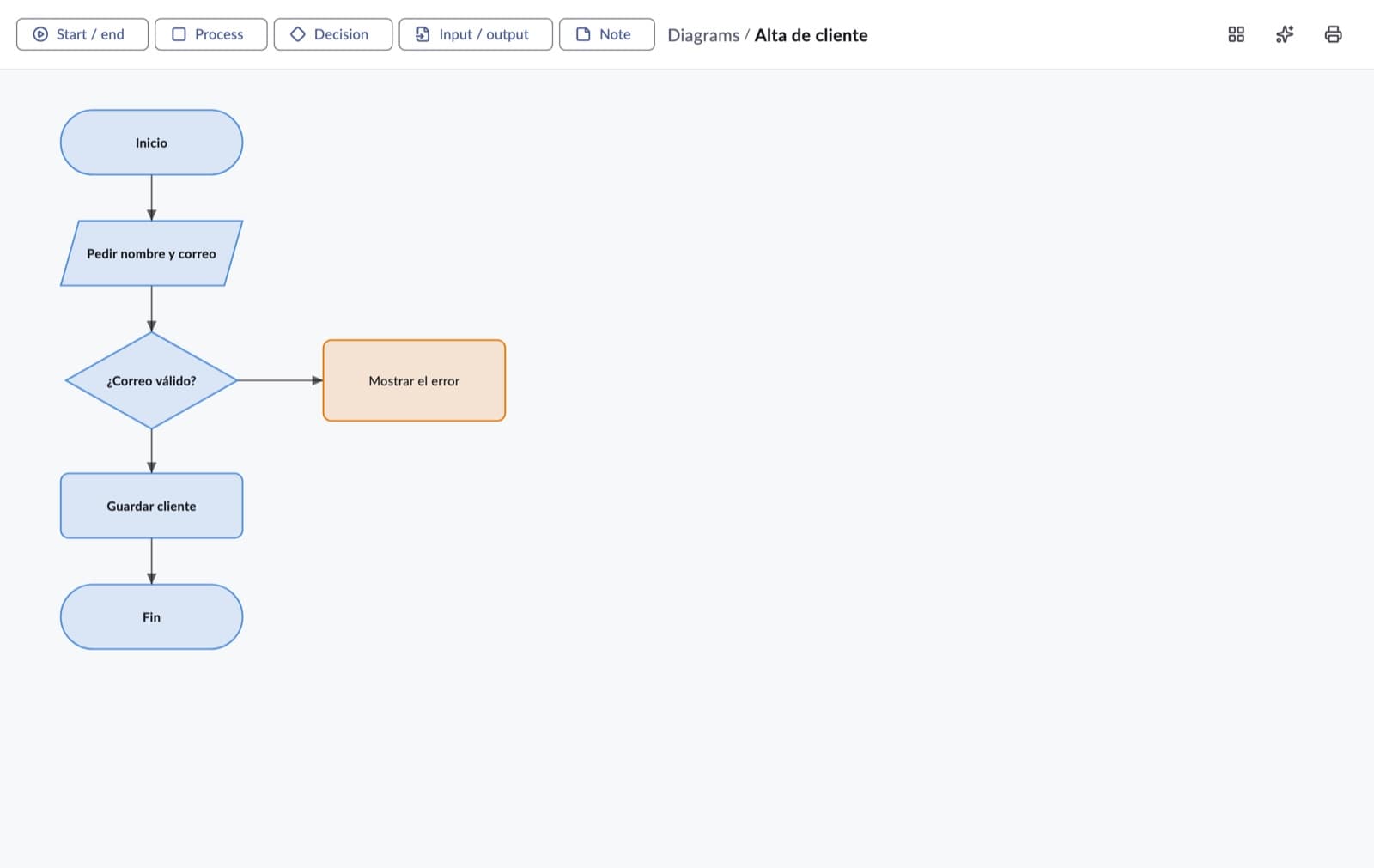
- Flowchart: Start / end, Process, Decision, Input / output and Note shapes. Press → next to a shape to connect it to another; connections can have a label (e.g. “Yes”).
- Database: tables with their columns, Primary key and foreign keys, and the relations between tables. Diagram SQL shows the SQL that creates it.
- From a database draws the diagram of a saved connection (optionally, only the tables starting with a prefix).
- With AI creates the diagram from a description and Change with AI modifies it.
- Arrange lays the shapes out again and Export to PDF saves it for printing or sharing.