Lesson 2 · 2 of 20
let, const and data types · JavaScript
Store values in variables with let and const, and use typeof to discover JavaScript's data types: strings, numbers, booleans, undefined and null.
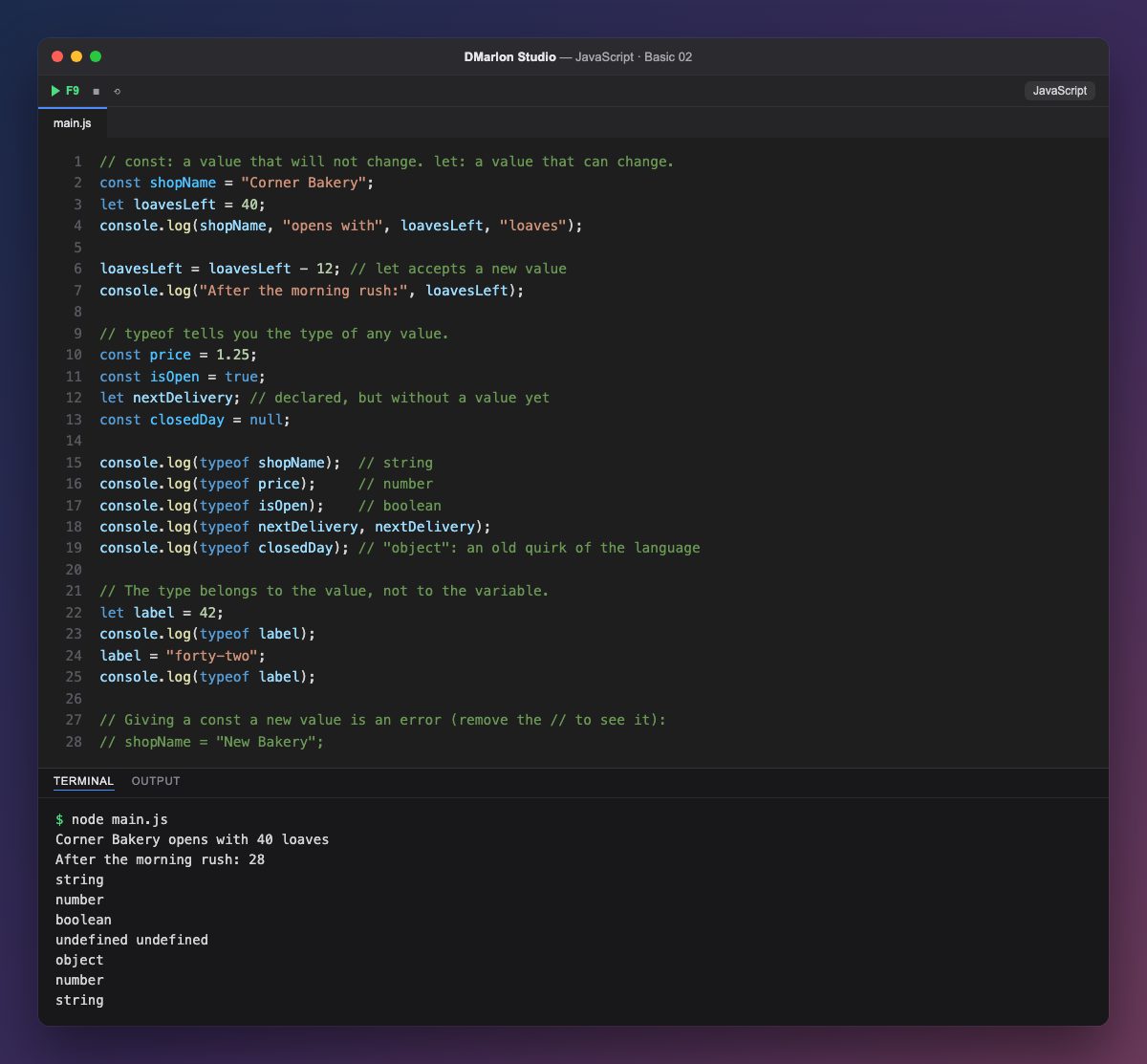
A variable is a name that holds a value. const declares one that will not change, like shopName; let declares one that can, like loavesLeft, which goes from 40 to 28 when it is assigned loavesLeft - 12.
Use const whenever you can and let only when the value must change: the code then says clearly what is fixed. If you try to give a const a new value (remove the // on the last line), JavaScript stops with an error.
The `typeof` operator tells you the type of a value. Text is string; numbers, whole or decimal, are number; true and false are boolean.
A variable declared without a value, like nextDelivery, holds `undefined`. `null`, on the other hand, is an emptiness you set on purpose; typeof null gives object because of an old mistake in the language that can no longer be fixed.
In JavaScript the type belongs to the value, not to the variable: label starts as a number and later holds text. It is convenient, but it is best not to mix types in the same variable.
Code · main.js
// const: a value that will not change. let: a value that can change.const shopName = "Corner Bakery";let loavesLeft = 40;console.log(shopName, "opens with", loavesLeft, "loaves");loavesLeft = loavesLeft - 12; // let accepts a new valueconsole.log("After the morning rush:", loavesLeft);// typeof tells you the type of any value.const price = 1.25;const isOpen = true;let nextDelivery; // declared, but without a value yetconst closedDay = null;console.log(typeof shopName); // stringconsole.log(typeof price); // numberconsole.log(typeof isOpen); // booleanconsole.log(typeof nextDelivery, nextDelivery);console.log(typeof closedDay); // "object": an old quirk of the language// The type belongs to the value, not to the variable.let label = 42;console.log(typeof label);label = "forty-two";console.log(typeof label);// Giving a const a new value is an error (remove the // to see it):// shopName = "New Bakery";Output · node main.js
Corner Bakery opens with 40 loaves
After the morning rush: 28
string
number
boolean
undefined undefined
object
number
string
Key points
constfor fixed values;letfor values that change.typeofreturns the type:string,number,boolean,undefined…undefinedmeans no value yet;nullmeans empty on purpose.- Giving a
consta new value is an error.
Exercise
Add a constant bakerName with a name and a variable isHoliday set to false; print their types with typeof, then change isHoliday to true.