Lesson 10 · 10 of 20
Objects · JavaScript
Group data in JavaScript objects: key: value properties, dot and bracket access, adding and deleting, Object.keys, for...in and arrays of objects.
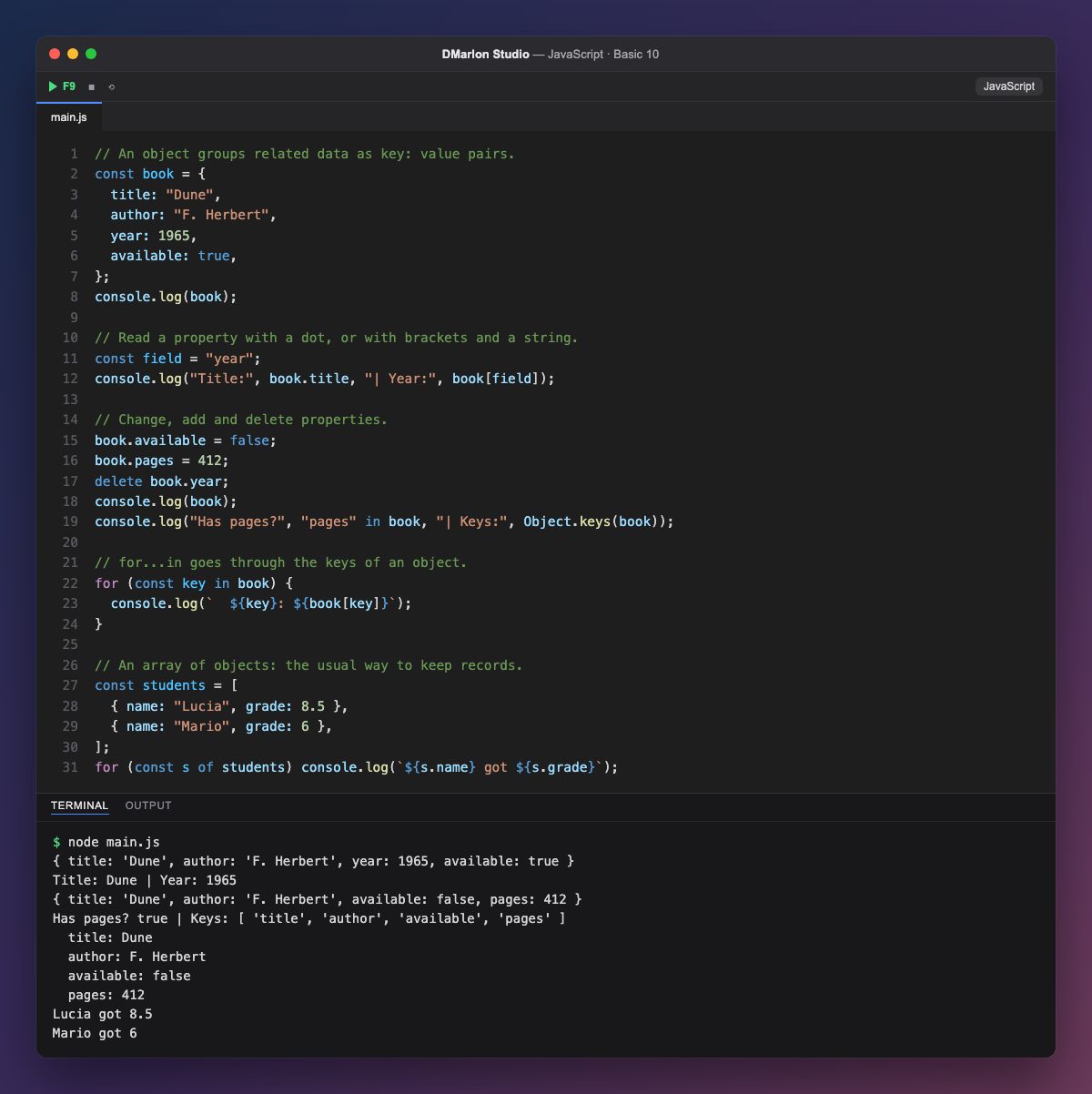
An object gathers related data as key: value pairs in curly braces. The book has a title, author, year and available, each with its value; each pair is called a property.
You read a property with a dot, book.title, or with brackets and a string, book[field]. Brackets are useful when the key's name is in a variable, like field.
You change and add properties by assigning a value (book.available = false, book.pages = 412) and remove them with `delete`. The in operator checks whether a key exists and `Object.keys()` returns all of them in an array.
`for...in` goes through the keys of an object; book[key] gives you each value. Do not confuse it with for...of, which goes through the values of an array.
Most often you will have an array of objects: each student is an object with a name and a grade, and for...of visits them one by one. It is the same shape as the data handled by a React or Next.js app built with DMarlon Studio.
Code · main.js
// An object groups related data as key: value pairs.const book = { title: "Dune", author: "F. Herbert", year: 1965, available: true,};console.log(book);// Read a property with a dot, or with brackets and a string.const field = "year";console.log("Title:", book.title, "| Year:", book[field]);// Change, add and delete properties.book.available = false;book.pages = 412;delete book.year;console.log(book);console.log("Has pages?", "pages" in book, "| Keys:", Object.keys(book));// for...in goes through the keys of an object.for (const key in book) { console.log(` ${key}: ${book[key]}`);}// An array of objects: the usual way to keep records.const students = [ { name: "Lucia", grade: 8.5 }, { name: "Mario", grade: 6 },];for (const s of students) console.log(`${s.name} got ${s.grade}`);Output · node main.js
{ title: 'Dune', author: 'F. Herbert', year: 1965, available: true }
Title: Dune | Year: 1965
{ title: 'Dune', author: 'F. Herbert', available: false, pages: 412 }
Has pages? true | Keys: [ 'title', 'author', 'available', 'pages' ]
  title: Dune
  author: F. Herbert
  available: false
  pages: 412
Lucia got 8.5
Mario got 6
Key points
- An object stores
key: valuepairs. obj.keyorobj["key"]to read;=to change or add.deleteremoves a property;inchecks whether it exists.Object.keys()gives the keys;for...inloops over them.
Exercise
Create a car object with make, model and mileage; add 1500 km, give it a colour, print all its properties with for...in and how many there are with Object.keys().