Lesson 4 · 4 of 20
Strings and template literals · JavaScript
Work with text in JavaScript: joining strings, template literals with backticks and ${}, length, characters, upper case and searching.
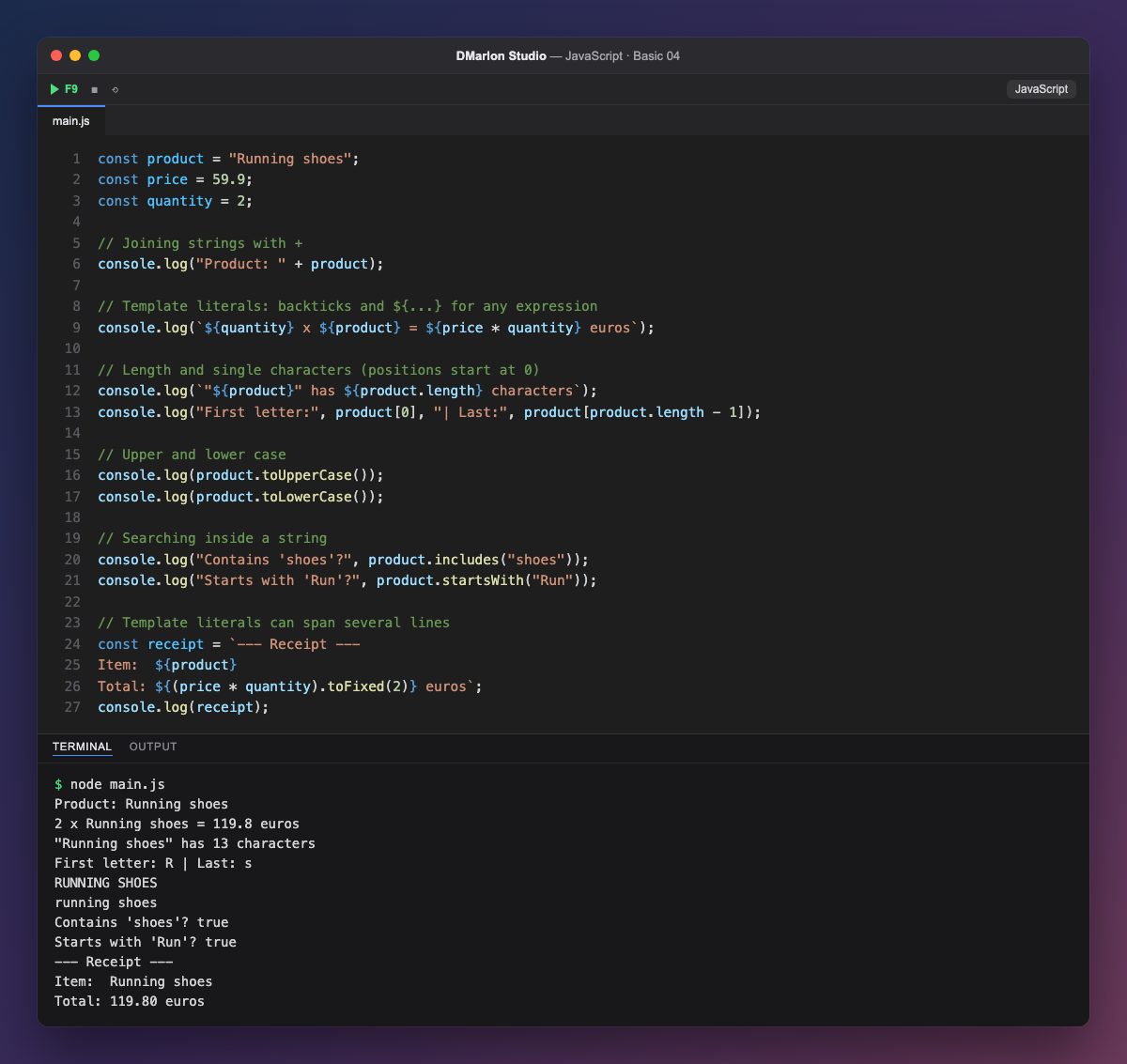
You can join one string to another with +, as in "Product: " + product. It works, but with several values it soon fills up with quotes and plus signs.
Template literals go between backticks ` ` and accept any expression inside ${...}: ${price * quantity}` does the sum and puts the result in place. It is the usual way to build text in JavaScript.
`length` tells you how many characters the string has, and square brackets read one of them: product[0] is the first and product[product.length - 1] the last, because positions start at 0.
Methods are functions that come with the value itself and are called with a dot: toUpperCase() and toLowerCase() change the case, includes() checks whether it contains some text and startsWith() whether it begins with it. None of them changes the original string: they return a new one.
A template literal can span several lines as it is, like the receipt: the line breaks are part of the text.
Code · main.js
const product = "Running shoes";const price = 59.9;const quantity = 2;// Joining strings with +console.log("Product: " + product);// Template literals: backticks and ${...} for any expressionconsole.log(`${quantity} x ${product} = ${price * quantity} euros`);// Length and single characters (positions start at 0)console.log(`"${product}" has ${product.length} characters`);console.log("First letter:", product[0], "| Last:", product[product.length - 1]);// Upper and lower caseconsole.log(product.toUpperCase());console.log(product.toLowerCase());// Searching inside a stringconsole.log("Contains 'shoes'?", product.includes("shoes"));console.log("Starts with 'Run'?", product.startsWith("Run"));// Template literals can span several linesconst receipt = `--- Receipt ---Item: ${product}Total: ${(price * quantity).toFixed(2)} euros`;console.log(receipt);Output · node main.js
Product: Running shoes
2 x Running shoes = 119.8 euros
"Running shoes" has 13 characters
First letter: R | Last: s
RUNNING SHOES
running shoes
Contains 'shoes'? true
Starts with 'Run'? true
--- Receipt ---
Item:  Running shoes
Total: 119.80 euros
Key points
- Template literals use `
and${expression}`. lengthis the number of characters;text[0]is the first.toUpperCase,includesandstartsWithare string methods.- Strings never change: methods return a new one.
Exercise
Change the product to another one and the quantity to 3, and add a line to the receipt with the unit price and another with the product name in capitals.