Lesson 20 · 20 of 20
Project: a to-do list · JavaScript
A small JavaScript project that brings it all together: a to-do list driven by text commands, with objects, arrays, functions, errors and JSON.
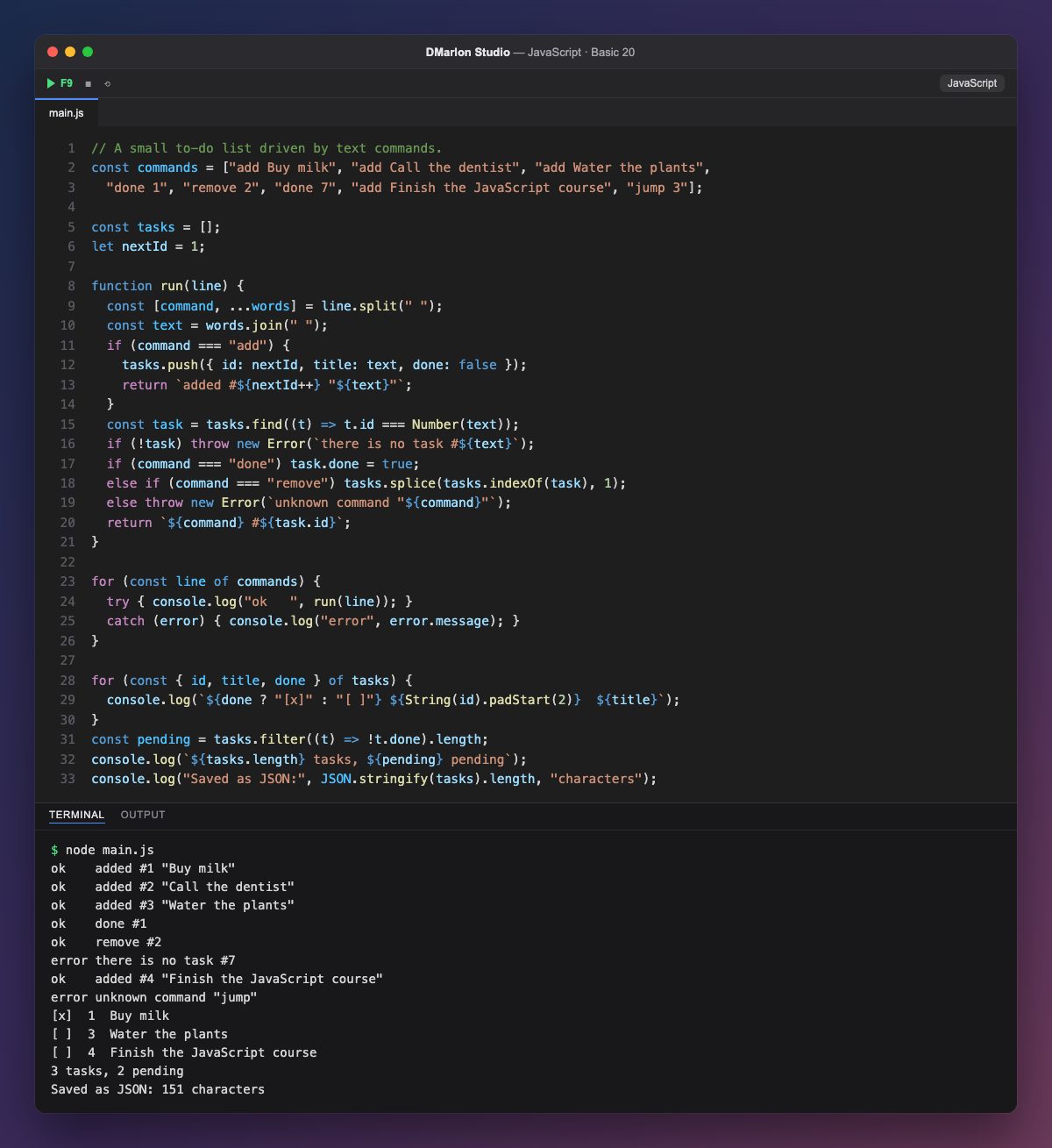
This program combines what you have learnt in the course into a to-do list driven by text commands: add adds a task, done marks it as finished and remove deletes it. The commands are in the commands array, as if someone had typed them.
Each task is an object with an id, a title and done, and they all live in the tasks array. nextId is a let because it goes up with every new task; nextId++ returns the current value and then adds 1.
The run function interprets one command. With destructuring and rest, const [command, ...words] = line.split(" ") separates the first word from the rest, and join puts the title back together. For done and remove, find looks the task up by its number and splice removes it from the array.
When something does not add up, run throws an error: task 7 does not exist and jump is not a known command. The main loop calls run inside a try/catch, so each error is shown and the program carries on with the next command.
Finally the list is printed with [x] or [ ] depending on done (a ternary), padStart lines up the numbers, filter counts the pending tasks and JSON.stringify gets the list ready to be saved. It is the same JavaScript used to build DMarlon Studio's Electron, React, Next.js and React Native apps.
Code · main.js
// A small to-do list driven by text commands.const commands = ["add Buy milk", "add Call the dentist", "add Water the plants", "done 1", "remove 2", "done 7", "add Finish the JavaScript course", "jump 3"];const tasks = [];let nextId = 1;function run(line) { const [command, ...words] = line.split(" "); const text = words.join(" "); if (command === "add") { tasks.push({ id: nextId, title: text, done: false }); return `added #${nextId++} "${text}"`; } const task = tasks.find((t) => t.id === Number(text)); if (!task) throw new Error(`there is no task #${text}`); if (command === "done") task.done = true; else if (command === "remove") tasks.splice(tasks.indexOf(task), 1); else throw new Error(`unknown command "${command}"`); return `${command} #${task.id}`;}for (const line of commands) { try { console.log("ok ", run(line)); } catch (error) { console.log("error", error.message); }}for (const { id, title, done } of tasks) { console.log(`${done ? "[x]" : "[ ]"} ${String(id).padStart(2)} ${title}`);}const pending = tasks.filter((t) => !t.done).length;console.log(`${tasks.length} tasks, ${pending} pending`);console.log("Saved as JSON:", JSON.stringify(tasks).length, "characters");Output · node main.js
ok    added #1 "Buy milk"
ok    added #2 "Call the dentist"
ok    added #3 "Water the plants"
ok    done #1
ok    remove #2
error there is no task #7
ok    added #4 "Finish the JavaScript course"
error unknown command "jump"
[x]  1  Buy milk
[ ]  3  Water the plants
[ ]  4  Finish the JavaScript course
3 tasks, 2 pending
Saved as JSON: 151 characters
Key points
- The data: an array of objects, one per task.
- One function per job: here
runinterprets each command. throwfor errors andtry/catchso the program keeps going.find,filter,splice, template literals and JSON work together.
Exercise
Add a rename 3 New title command that changes a task's title, and a clear command that removes all finished tasks with filter.