Lesson 5 · 5 of 20
Password fields · tkinter
Hide what is typed in a tkinter Entry with show="•" and add a button that shows or hides the password.
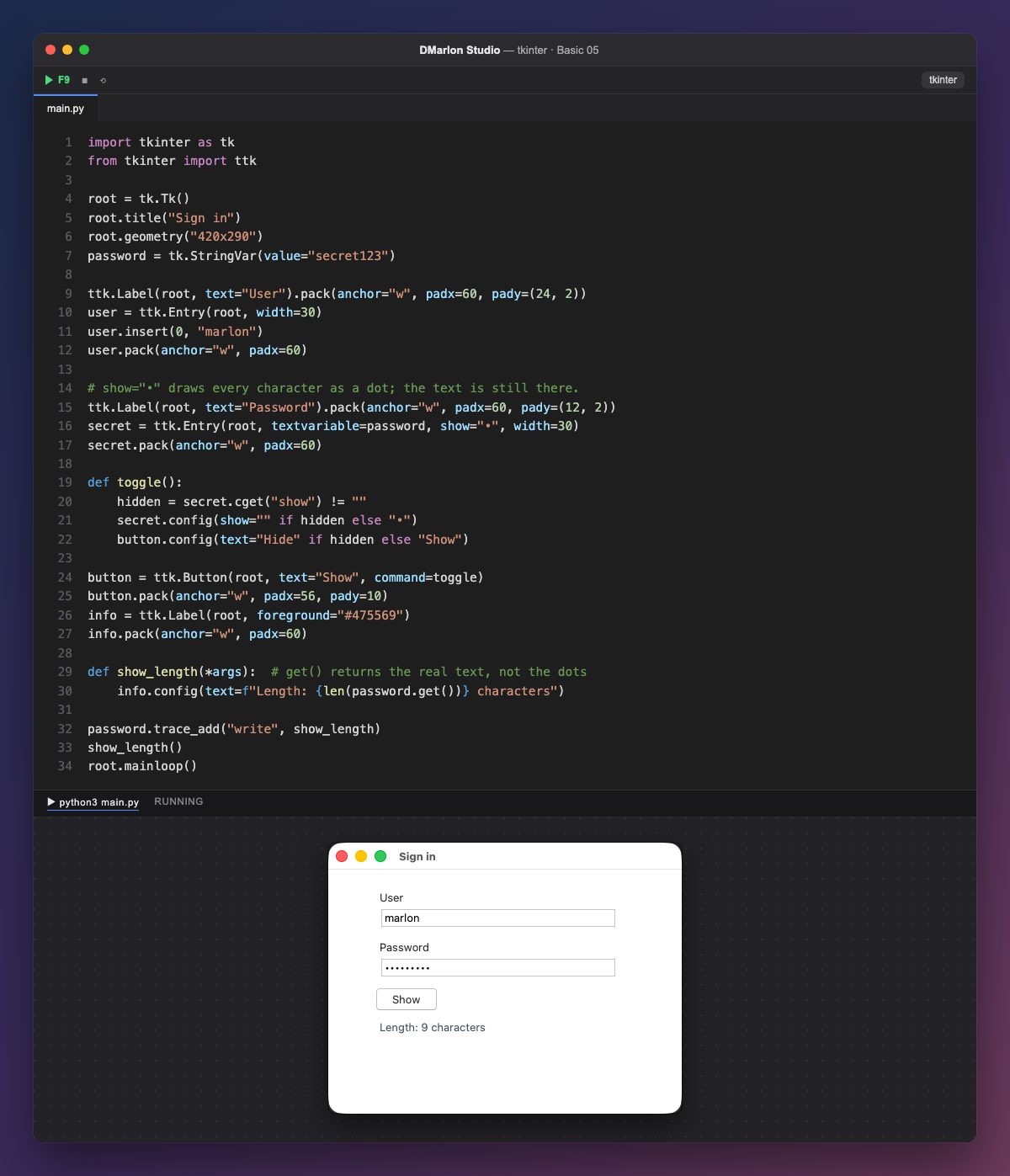
The User field is a plain ttk.Entry. This time it has no variable: it is filled with `user.insert(0, "marlon")`, which inserts the text at position 0, the start.
The password field has `show="•"`: every character is drawn as a dot. The real text is still there; only the way it looks changes. Any character works, for example show="*".
toggle() reads the current option with `cget("show")`. If the text is hidden, it sets show="" (the text is visible) and the button changes to «Hide»; otherwise it goes back to "•" and «Show». Because toggle changes the button, the button is kept in the variable button.
password.get() returns the real text, not the dots: the label underneath shows its length, 9 characters. trace_add updates it as soon as you type, and the call to show_length() fills it in at start-up.
DMarlon Studio offers two ways: the Text field has a *Mask with* property, which is this same show, and the palette also has a Password component, a ready-made field with a button to reveal the password that you switch on in the inspector.
Code · main.py
import tkinter as tkfrom tkinter import ttkroot = tk.Tk()root.title("Sign in")root.geometry("420x290")password = tk.StringVar(value="secret123")ttk.Label(root, text="User").pack(anchor="w", padx=60, pady=(24, 2))user = ttk.Entry(root, width=30)user.insert(0, "marlon")user.pack(anchor="w", padx=60)# show="•" draws every character as a dot; the text is still there.ttk.Label(root, text="Password").pack(anchor="w", padx=60, pady=(12, 2))secret = ttk.Entry(root, textvariable=password, show="•", width=30)secret.pack(anchor="w", padx=60)def toggle(): hidden = secret.cget("show") != "" secret.config(show="" if hidden else "•") button.config(text="Hide" if hidden else "Show")button = ttk.Button(root, text="Show", command=toggle)button.pack(anchor="w", padx=56, pady=10)info = ttk.Label(root, foreground="#475569")info.pack(anchor="w", padx=60)def show_length(*args): # get() returns the real text, not the dots info.config(text=f"Length: {len(password.get())} characters")password.trace_add("write", show_length)show_length()root.mainloop()Key points
show="•"hides what is typed;show=""shows it again.get()returns the real text, not the dots.insert(0, text)fills anEntrythat has no variable.cget("option")reads the current value of an option.
Exercise
Use show="*" and make the label say «Too short» in red when the password has fewer than 8 characters.