Lesson 8 · 8 of 20
Radio buttons · tkinter
A group of tkinter Radiobuttons: one StringVar for the whole group, one option chosen at the start and a price that follows it.
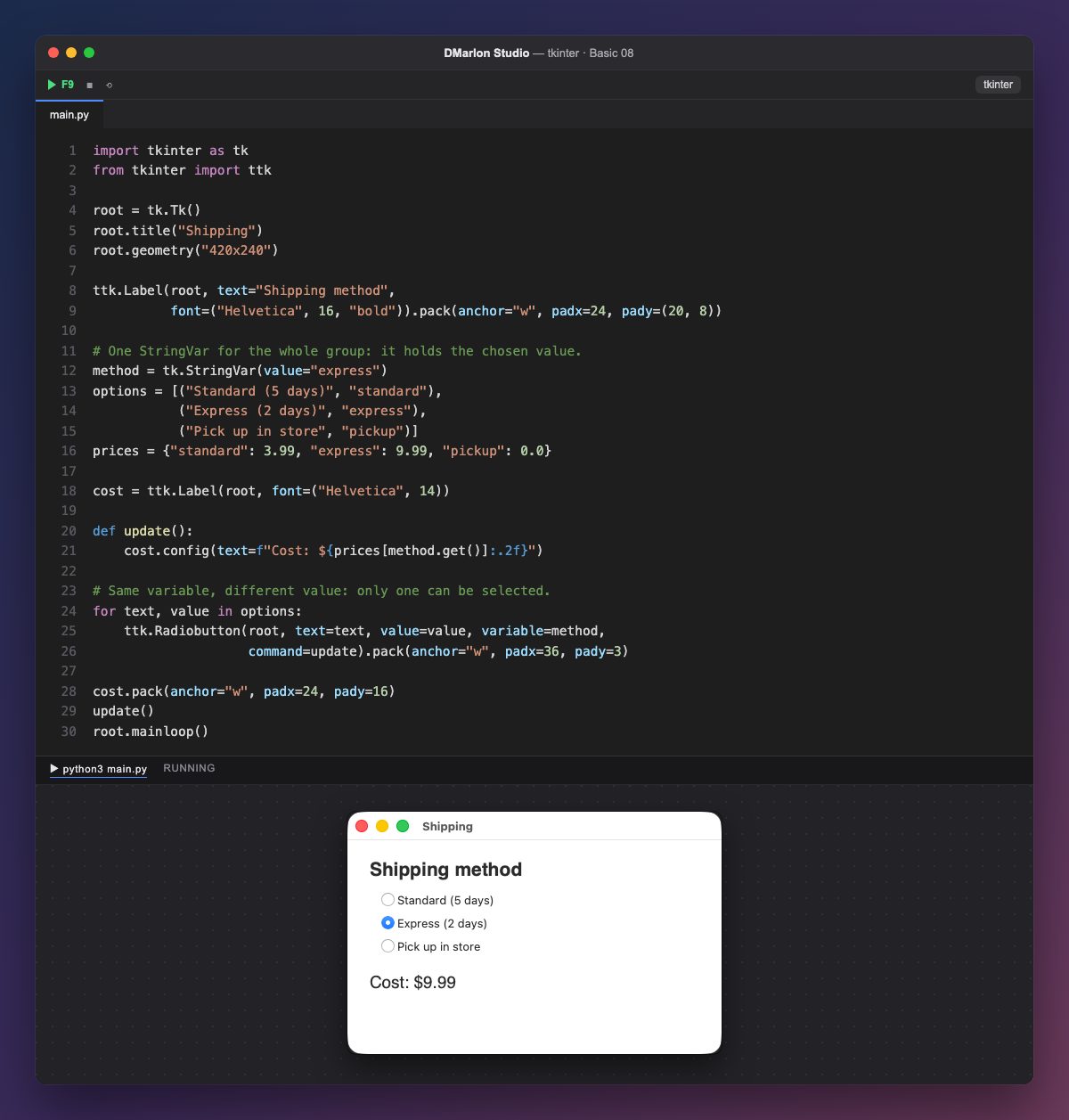
Radio buttons (ttk.Radiobutton) come in groups and only one can be chosen. What groups them is that they share the same variable: method, a StringVar.
Each button has its `value`: "standard", "express" or "pickup". When you press one, the variable takes that value and the others are cleared automatically. Since method starts as "express", that button is chosen when the window opens.
The options list pairs the text you see with the value that is stored, so the loop builds the three buttons in two lines. The text can change (or be translated) without touching the values the program uses.
update looks up the price in the prices dictionary with method.get() and writes it with two decimals (:.2f). It runs from command on every change and once at the start.
In DMarlon Studio this is the Option in the palette. Options with the same *Group* in the inspector share a variable, each with its own *Value*, and the one marked *Checked* starts chosen.
Code · main.py
import tkinter as tkfrom tkinter import ttkroot = tk.Tk()root.title("Shipping")root.geometry("420x240")ttk.Label(root, text="Shipping method", font=("Helvetica", 16, "bold")).pack(anchor="w", padx=24, pady=(20, 8))# One StringVar for the whole group: it holds the chosen value.method = tk.StringVar(value="express")options = [("Standard (5 days)", "standard"), ("Express (2 days)", "express"), ("Pick up in store", "pickup")]prices = {"standard": 3.99, "express": 9.99, "pickup": 0.0}cost = ttk.Label(root, font=("Helvetica", 14))def update(): cost.config(text=f"Cost: ${prices[method.get()]:.2f}")# Same variable, different value: only one can be selected.for text, value in options: ttk.Radiobutton(root, text=text, value=value, variable=method, command=update).pack(anchor="w", padx=36, pady=3)cost.pack(anchor="w", padx=24, pady=16)update()root.mainloop()Key points
- The buttons of a group share a single variable.
- Each button stores its
valuethere when pressed. - The variable's initial value decides which one starts chosen.
- Keep the text you show apart from the value the program uses.
Exercise
Add the option «Overnight (1 day)» with the value "overnight" and a price of 19.99.